 Skip to content
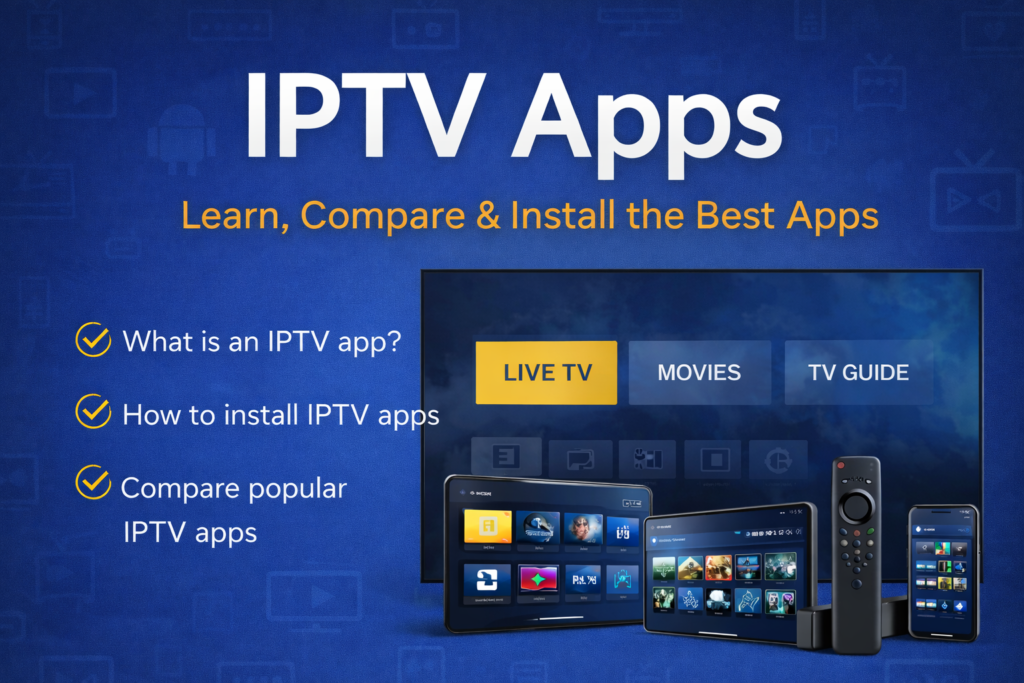
Table of Contents
What Are IPTV Apps?
IPTV apps are applications that allow you to watch IPTV on your device. They are used to load, organize, and play IPTV content in a way that looks and feels like regular television.
An IPTV app does not provide TV channels on its own. Instead, it works with IPTV data that you already have, such as channel lists or on-demand content, and displays that content in a clear and usable format.
In simple terms, IPTV apps are the tools that make IPTV watchable. Without an app, IPTV content would appear as raw data that most users would not be able to access or understand.
Why IPTV Apps Are Needed
IPTV works differently from traditional TV and from popular streaming platforms. Because IPTV content is delivered over the internet and not through broadcast signals, it cannot be displayed automatically on a TV or device.
IPTV apps are needed to interpret this internet-delivered content and turn it into a structured viewing experience. They organize channels, display menus, and allow users to switch between live TV and on-demand content.
Without an IPTV app, watching IPTV would be complicated and impractical. With an app, IPTV becomes easy to navigate and familiar to use, even for people with no technical background.
How IPTV Apps Work (Simple Explanation)
IPTV apps work by reading IPTV data and presenting it in a visual interface that users can interact with.
When IPTV canada content is added to an app, the app organizes the available channels and programs into lists or menus. When a user selects a channel or program, the app plays the stream and displays it on the screen in real time.
The app itself does not change the content or control what is available. Its role is to manage how the content is displayed and how users interact with it, making IPTV easy to watch and control.
Types of IPTV Apps (Based on How People Use Them)
Not all IPTV apps are used in the same way. Some people mainly watch live TV, while others focus on movies and series. Some want a very simple interface, while others prefer more control and customization.
Because of this, IPTV apps can be grouped based on how people actually use them, not on technical details.
IPTV Apps Mainly Used for Live TV
Some IPTV apps are designed primarily for watching live television. These apps focus on quick channel switching, smooth playback, and easy access to live content.
They are often used by people who watch IPTV the same way they used to watch traditional TV, such as news, sports, or scheduled programs. The interface is usually optimized for browsing channels rather than searching for individual titles.
These apps are a good fit for users who value simplicity and real-time viewing.
IPTV Apps Better Suited for Movies and Series (VOD)
Other IPTV apps are more comfortable for watching movies and series on demand. They focus on browsing content libraries, viewing posters or titles, and resuming content where it was left off.
These apps are commonly used by people who prefer choosing what to watch rather than following live schedules. Navigation and organization of on-demand content play a bigger role here than fast channel switching.
They are ideal for users who mainly use IPTV for films and series.
Simple IPTV Apps vs Advanced IPTV Apps
Some IPTV apps are built to be as simple as possible. They are easy to use, require minimal configuration, and are suitable for beginners who just want IPTV to work without learning many settings.
Other IPTV apps offer more advanced features and customization options. These apps may require a bit more setup but give users greater control over how IPTV content is displayed and managed.
Choosing between a simple or more advanced app depends on how comfortable a user is with settings and customization.
Why These Differences Matter
Understanding these differences helps avoid frustration. Many IPTV problems come from using an app that does not match how a person watches TV.
By choosing an IPTV app that fits your viewing habits, IPTV becomes easier to use, more stable, and more enjoyable.
This understanding prepares you for the next step: choosing the best IPTV app for your needs.
Best IPTV Apps (What Most People Are Looking For)
Most people searching for IPTV apps are not trying to understand definitions. They are looking for the best IPTV app to use and want to avoid wasting time testing the wrong one.
The important thing to understand is that there is no single IPTV app that is best for everyone. What works well for one person may feel slow, confusing, or limited for another. The “best” IPTV app depends on how you plan to use IPTV and on the device you are using.
Some apps feel better for live TV, while others are more comfortable for watching movies and series. Some apps are simple and easy to use, while others offer more control and customization. This is why choosing an IPTV app is not about popularity, but about fit.
To help with this, we have created a dedicated guide that compares the best IPTV apps, explains their strengths and weaknesses, and shows which apps are better suited for different use cases.
How to Install IPTV Apps (What You Should Know First)
Installing an IPTV app is usually straightforward, but the process can vary depending on the app and the device you are using. This is one of the main reasons people get confused when starting with IPTV.
Some IPTV apps are available directly through official app stores, while others need to be installed in a different way. In addition, the installation steps can look very different on a TV, a streaming device, or a mobile phone.
Before installing any IPTV app, it helps to understand two important things:
- The app matters: each IPTV app has its own installation process
- The device matters: the same app may install differently on different devices
Because of this, there is no single installation method that works for all IPTV apps and all devices.
Choosing the Right IPTV App for Your Device
Even a good IPTV app can feel slow or frustrating if it is not well suited to the device you are using. This is why choosing an IPTV app based on your device is just as important as choosing the app itself.
Different devices have different limitations. Some have more processing power, while others rely on simpler hardware and controls. IPTV apps are designed with these differences in mind, which means an app that works smoothly on one device may not feel as comfortable on another.
For example, apps used on televisions often focus on simple navigation and remote control use, while apps on streaming devices or mobile phones may offer more features and customization. Screen size, available memory, and input methods all affect how an IPTV app performs.
If you choose an IPTV app that matches your device, you are more likely to get a smooth experience with fewer playback issues and easier navigation.
To make this choice easier, we have created guides that focus on selecting the best IPTV app for each type of device:
- Best IPTV App for Firestick
- Best IPTV App for Smart TV
- Best IPTV App for Android
These guides compare IPTV apps specifically for each device type, helping you avoid apps that are not well optimized for your setup.
IPTV Apps: Prices and Common Confusion
One of the most common misunderstandings about IPTV apps is related to pricing. Many people are unsure whether IPTV apps are free, whether they need to pay monthly, or whether the app price includes TV channels.
The first thing to understand is that IPTV apps and IPTV subscription are not the same thing.
Some IPTV apps are completely free to use. Others require a one-time payment or a small license fee to unlock full features. This price, when it exists, is for the app itself, not for television content.
Paying for an IPTV app does not give you access to TV channels. The app is simply the tool used to watch IPTV content. Any channels or on-demand content come from a separate IPTV service, not from the app.
This confusion often leads users to think something is wrong when they install an app and see no channels. In reality, the app is working as expected and simply needs IPTV content to display.
Understanding this distinction helps avoid frustration and makes it easier to choose and use IPTV apps correctly.
Frequently Asked Questions About IPTV Apps
Do IPTV apps include TV channels?
No. IPTV apps do not provide TV channels on their own. They are tools used to display and organize IPTV content. Channels and on-demand content come from a separate IPTV service, not from the app itself.
Can I use the same IPTV app on multiple devices?
In most cases, yes. Many IPTV apps can be installed on more than one device. However, how the app behaves may differ depending on the device, and some apps may require activation or licensing on each device separately.
Can I change IPTV apps without changing my IPTV service?
Yes. IPTV apps are independent from IPTV services. You can usually switch to a different IPTV app while keeping the same IPTV content, as long as the app supports it.
Why does IPTV work better on one app than another?
Different IPTV apps handle playback, navigation, and content organization in different ways. This means the same IPTV content can feel smoother or more stable in one app compared to another, depending on the device and how the app is designed.
Is it normal to see no channels after installing an IPTV app?
Yes. This is a common situation for beginners. Installing an IPTV app alone does not load any content. The app needs IPTV data to display channels or programs.
Conclusion
IPTV apps are the tools that make IPTV usable. They allow internet-delivered television content to be organized, displayed, and controlled in a way that feels familiar and easy to use.
Understanding what IPTV apps are, why they are needed, and how they differ helps avoid confusion and makes it much easier to choose the right app. Whether you are looking for the best IPTV app, trying to install one for the first time, or selecting an app that works well on your device, having the right information makes a real difference.
This guide is designed to give you a clear starting point. From here, you can explore detailed comparisons of IPTV apps, follow step-by-step installation guides, and choose the option that best fits how you watch TV.
