Best IPTV box in 2026: do you need one, and which kind fits your TV
The best IPTV box is often no box at all. If your TV is a Samsung, LG, Android TV or Google TV set made in the last five or six years, or you already own a Fire TV Stick, Apple TV, Roku or Chromecast, you can run TVZon IPTV today with nothing else to buy. A dedicated IPTV box earns its place in three situations: an older TV with no usable apps, a household that wants a purpose-built remote and programme guide, or a stream that stutters on an underpowered stick. This page explains which kinds of IPTV box exist and what to check, with no product links and nothing to sell you except the subscription itself.
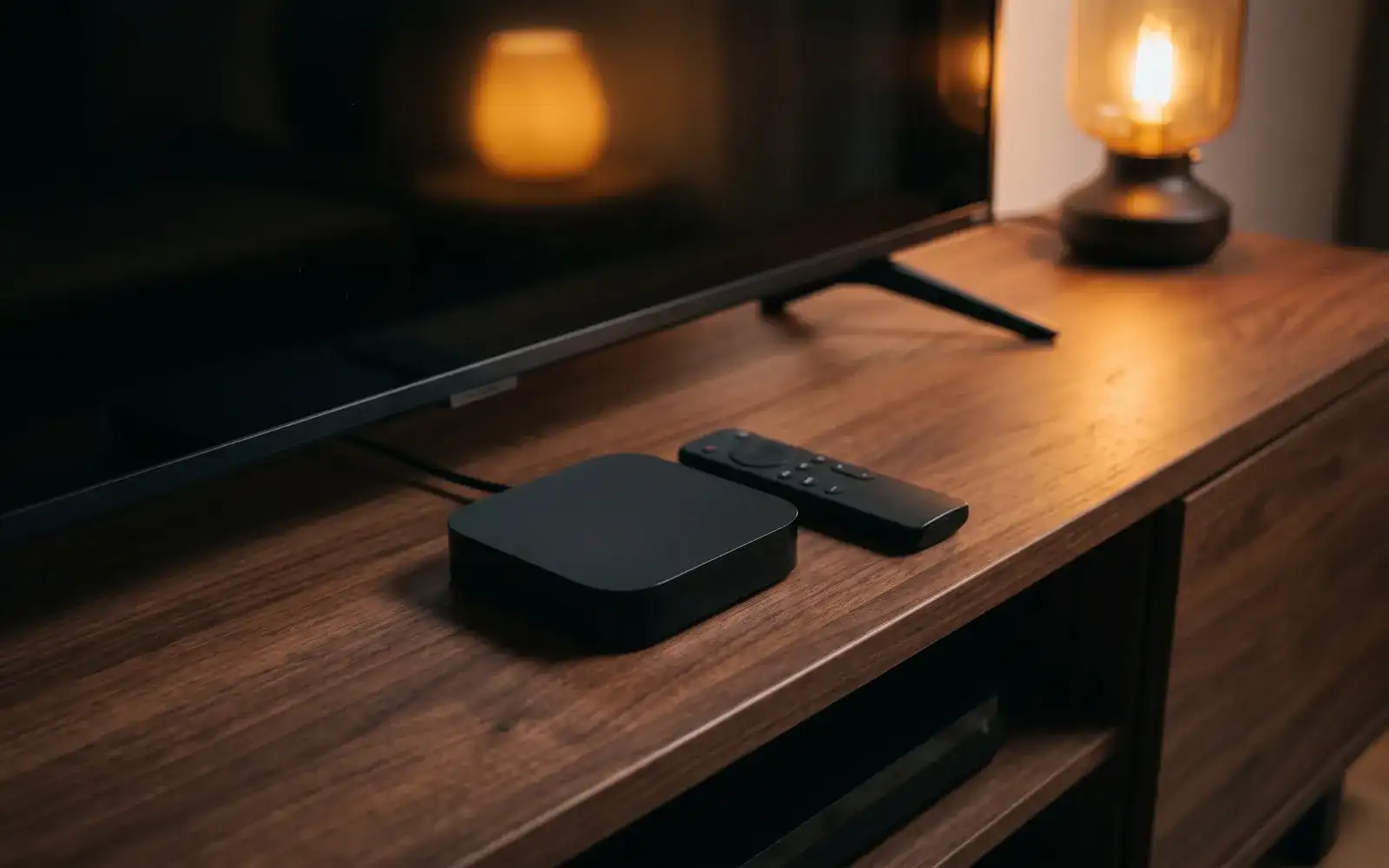
Do you need an IPTV box?
Ask three questions about the TV in question:
- Does it run apps? A Smart TV from a major brand with an app store will run an IPTV player directly. Check our Samsung and LG steps. If yes, you are done.
- Do you already own a streaming stick or player? A Fire TV Stick, Apple TV, Roku or Chromecast with Google TV plugged into an HDMI port is already an IPTV box in everything but name. Follow the Fire TV, Apple TV, Roku or Chromecast steps.
- Is the picture stuttering on the device you have? An entry-level stick several years old may struggle with 4K and large channel lists. That, and only that, is the performance case for a new box.
If the answers are no, no and yes, keep reading. Otherwise, start the 24-hour free trial on what you own and spend nothing.
The four kinds of IPTV box
Android TV and Google TV boxes
The most flexible IPTV set top box category. A box running the TV version of Android (not the phone version) has a proper app store, a remote designed for a sofa, and runs the two most popular player apps, TiviMate and IPTV Smarters Pro, without workarounds. For most Canadians asking about the best Android TV box for IPTV, this category is the answer. Look for the TV flavour of Android, at least 2 GB of RAM, a wired network port if the TV is far from the router, and 4K output if your TV supports it.
Fire TV devices
Technically an Android box with a different storefront. Fire TV Sticks are cheap, everywhere in Canada, and run the same player apps; the Cube and the 4K models have the headroom for large playlists and 4K streams, the entry-level sticks less so. If you already have one, use it; if buying new, the 4K models are the sensible middle.
Formuler boxes
Boxes built around IPTV from the start. They ship with their own player, which handles Xtream logins and M3U playlists natively, a remote with a dedicated guide button, and fast channel switching. They cost more than a generic Android box and do nothing else as well, but a household that watches live TV first and apps second often prefers them. Setup steps: Formuler.
MAG boxes
The classic IPTV set top box, popular in Europe and well known in multilingual Canadian households. A MAG box uses a portal address instead of an app; it is simple to operate and runs for years, but it is a single-purpose device with none of the streaming apps a Smart TV has. Steps: MAG box.
What to check before buying any IPTV box Android or otherwise
| Check | Why it matters |
|---|---|
| TV version of Android, not a phone build | Phone builds have no proper remote support and the player apps misbehave |
| At least 2 GB RAM, 16 GB storage | Large channel lists and programme guides need memory to stay smooth |
| Ethernet port | A cable beats Wi-Fi for stability if the router is far away |
| 4K and HDR output | Only if your TV supports them; otherwise pay for neither |
| Recent software updates | A box abandoned by its maker loses app compatibility over time |
| Bluetooth remote with a voice button | Typing a server URL with a directional pad is the worst part of setup |
Avoid boxes sold "pre-loaded" with IPTV services or playlists. You are buying hardware; the service is a separate decision, and a pre-loaded box ties you to someone else's.
Best IPTV boxes for different homes
- One Smart TV, no box: install the player on the TV and stop there.
- Older TV, budget: a 4K Fire TV Stick or an entry Android TV box.
- Living-room TV, live TV first: a Formuler for the guide and remote, or a mid-range Android TV box with TiviMate.
- Family on several TVs: one box per TV where needed, all on a 3-screen plan for 12 months, or 6 months.
- Grandparents' TV: a MAG box or Formuler; fewer menus, one remote.
How to set up IPTV on a new box
- Connect the box to the TV by HDMI and to the internet, by cable where possible.
- Sign in to the box's store and install a player app (TiviMate or IPTV Smarters Pro on Android and Fire TV; the built-in player on Formuler; the portal on MAG).
- Enter the server URL, username and password from your TVZon IPTV welcome e-mail.
- Wait for the channels and the programme guide to load, then set your favourites.
Full numbered walkthroughs for each device are in the how to set up IPTV hub.
IPTV box: frequently asked questions
What is an IPTV box?
An IPTV box is any device that plugs into a TV's HDMI port and runs a player app that turns an internet TV stream into live channels and on demand. Android TV boxes, Fire TV devices, Formuler and MAG boxes are the four common kinds; Apple TV and Roku serve the same purpose.
Which IPTV box is best?
For most Canadian homes, an Android TV box or a 4K Fire TV device, because they run the best player apps and cost the least. Choose a Formuler if live TV is the main use and you value the remote and guide; a MAG box if simplicity matters more than apps.
Do I need an IPTV box if I have a Smart TV?
Usually not. Samsung, LG and Android TV sets run player apps directly. A box is only worth it if the TV is old, slow or has no suitable apps.
How much is an IPTV box?
Prices range widely by category and retailer, and we do not sell hardware or earn from links, so we leave the shopping to you. Budget for the box only after confirming the device you already own cannot do the job.
Where to buy an IPTV box in Canada?
Any electronics retailer or online marketplace stocks Android TV and Fire TV devices; Formuler and MAG boxes come from specialist resellers. Buy an unloaded box and add your own subscription.
Does TVZon IPTV sell boxes?
No. We sell the subscription only, which works on the devices you own. If you are unsure whether yours qualifies, e-mail [email protected] before buying anything.
Test on the device you already own
Hold off on buying hardware until the 24-hour free trial has run on the TV or stick you already have.