The internet speed for IPTV that people worry about is almost never the problem. I have watched households with fast fibre connections fight buffering for weeks, and a cottage with a modest connection play Full HD all evening without a stutter. The difference was not the plan they paid for; it was how much of that speed reached the device behind the TV, and how steady it stayed. This guide gives the numbers per screen and per quality, explains how much bandwidth IPTV uses, and then spends most of its length on the part that actually fixes buffering. Published by TVZon IPTV, which sells IPTV; the advice applies to any provider.
The short answer: Mbit/s per screen
| Picture quality | Comfortable per screen | Minimum, no headroom |
|---|
| SD | 5 Mbit/s | 3 Mbit/s |
| HD (720p) | 10 Mbit/s | 6 Mbit/s |
| Full HD (1080p) | 25 Mbit/s | 12 Mbit/s |
| 4K | 50 Mbit/s | 30 Mbit/s |
Multiply by the number of screens playing at the same time. A family on a 3-screen plan with two Full HD streams and one 4K stream at once wants a stable 100 Mbit/s reaching those three devices. Note the word stable: a connection that averages 100 but dips to 8 every few minutes will buffer, and a steady 30 will not.
These are stream requirements, not plan requirements. Your internet plan's headline number is the maximum into the house; what matters is what each device gets at 8 pm with everything else running.
How much bandwidth does IPTV use?
Bandwidth over time is data, and data caps are real on some Canadian plans. Roughly:
- HD stream: about 3 GB per hour
- Full HD stream: about 5 to 7 GB per hour
- 4K stream: about 15 to 20 GB per hour
A household watching three hours of Full HD a night uses in the region of 500 to 600 GB a month on television alone. On an unlimited plan that is irrelevant; on a capped plan it is the number to check before switching from cable. On demand uses the same as live at the same quality. Nothing is downloaded when the app is closed, and the programme guide is a few megabytes a day.
Why fast connections still buffer: the Wi-Fi problem
Nearly every IPTV buffering slow internet complaint I have investigated came from a home whose connection was fast enough. The stream was starving for one of these reasons:
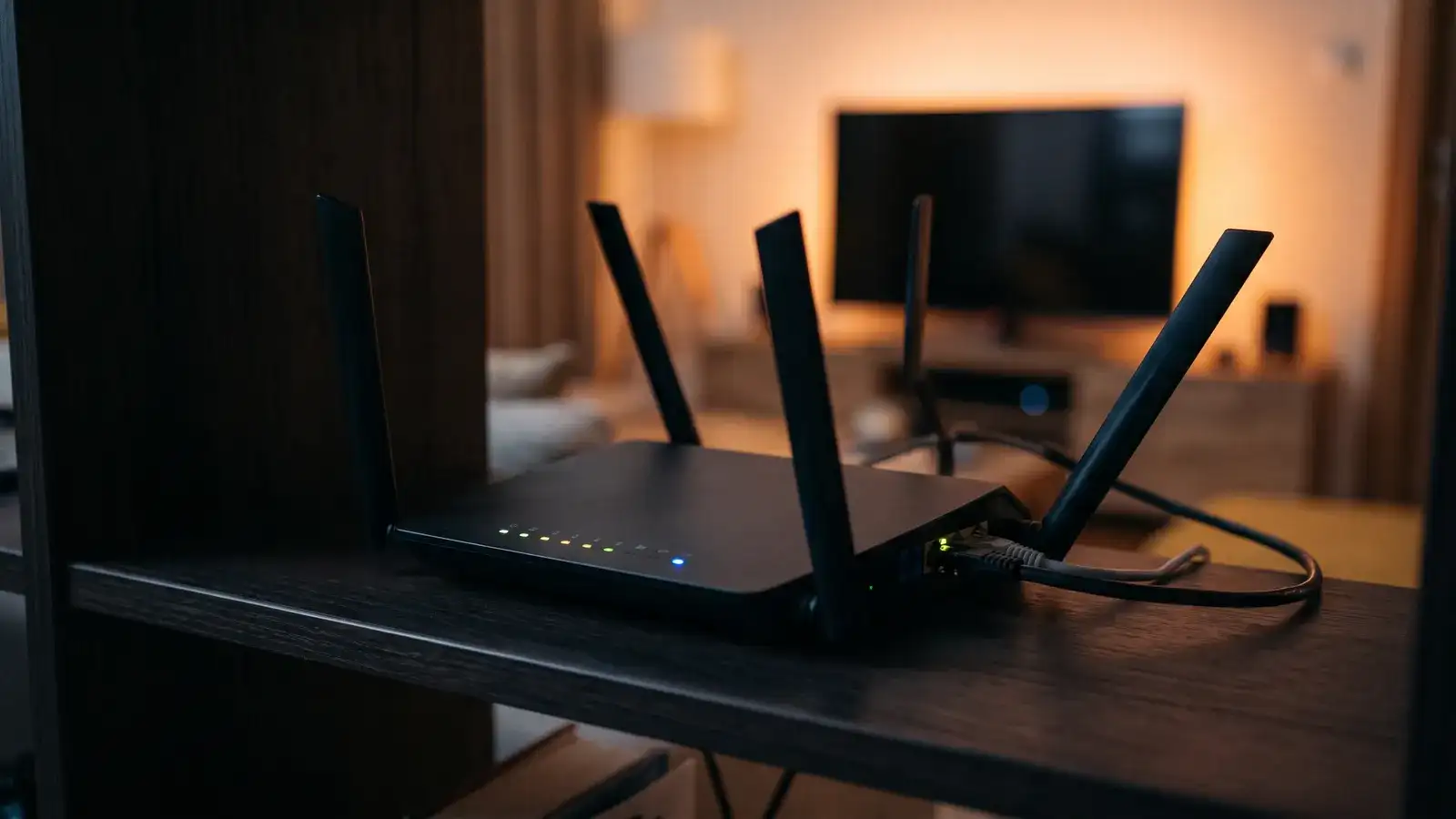
- Distance and walls. A Fire TV Stick behind a TV in a cabinet, two rooms from the router, can receive a fraction of what a phone next to the router sees. Speed tests on the phone look fine; the stick is drowning.
- The 2.4 GHz band. Many sticks and TVs default to the slower, more crowded band. In an apartment building it is shared with every neighbour's router, baby monitor and microwave.
- Other traffic. A game console downloading an update, a cloud backup running at night, or a second 4K stream on a modest plan takes the bandwidth first.
- An old router. A router supplied years ago may not handle several high-definition streams at once even when the connection itself can.
- Prime-time congestion. Between 7 pm and 11 pm, some cable internet neighbourhoods slow down as everyone streams. A connection that tests at 200 Mbit/s at noon may be far less at 9 pm.
The five-minute test to run tonight
- Test on the device that buffers, at the time it buffers. Install a speed-test app on the TV or stick, or stand a phone exactly where the stick sits. The router-side number tells you nothing.
- Compare with a cable. If the device has a network port, or you can add a wired adapter, plug it in for one evening. If buffering vanishes, Wi-Fi was the problem and you have your permanent fix.
- Change the band. In the device's Wi-Fi settings, join the 5 GHz network if your router offers one.
- Pause everything else. Stop downloads and backups and watch again.
- Pick the HD version of a channel where both HD and 4K exist. If HD plays smoothly and 4K does not, your connection to that device sits between the two numbers in the table.
Record what changed the result. If nothing did on a wired connection with no other traffic, the issue is upstream of your home and worth raising with your internet provider, or with us by e-mail at [email protected] so we can check the stream from our side.
Fixes that last
- A network cable from router to TV device. Cheap, permanent, the single most effective fix.
- A mesh Wi-Fi system or a single extra access point near the TV, for homes where a cable is impractical.
- Moving the router out of the basement utility closet to a central shelf.
- Replacing a router more than five or six years old.
- Raising the buffer in the player app's settings. TiviMate and IPTV Smarters Pro both allow this; it trades a slower channel start for fewer interruptions on an uneven connection.
- Choosing a plan with data headroom if you are on a capped plan and switching several TVs from cable to IPTV.
The IPTV not working checklist puts these into the order we use in support, alongside the non-network causes.
What speed do Canadian internet plans actually provide?
Most urban cable and fibre plans sold today start well above the 25 Mbit/s one Full HD screen wants, and a mid-tier plan carries three or four simultaneous Full HD streams with room to spare. Rural fixed-wireless and satellite connections vary far more; there, the minimum column of the table is the realistic target, and HD rather than Full HD may be the comfortable setting. Whatever the plan, test it at prime time on the actual device before deciding anything.
Internet speed for IPTV: frequently asked questions
What internet speed do I need for IPTV?
A stable 25 Mbit/s per screen for Full HD, 50 for 4K, reaching the device itself. Multiply by the number of screens watching at the same time.
How much Mbps do I need for IPTV on one TV in HD?
Around 10 Mbit/s for 720p HD and 25 for 1080p Full HD, measured at the TV, not at the router.
Will IPTV work on a slow internet connection?
Yes, at a lower quality. A steady 6 to 10 Mbit/s plays HD; choose the HD stream of a channel rather than 4K and raise the app's buffer.
Why does my IPTV buffer only in the evening?
Prime-time congestion, either on your internet provider's network or on your Wi-Fi channel. Test wired at 9 pm; if that is smooth, the Wi-Fi is the bottleneck.
Try it on your own connection
The only speed test that matters is the one with a real stream. The 24-hour free trial from TVZon IPTV gives you a login by e-mail, no payment details, and an evening to run the test above on your own TV.